
Common Mistakes When Using Aluminum Sublimation Sheets Aluminum sublimation sheets are a favorite for modern printing. They make colors pop and last a long time. However, many people run into trouble during the heating process. If you want high-quality results, you must avoid common sublimation mistakes.
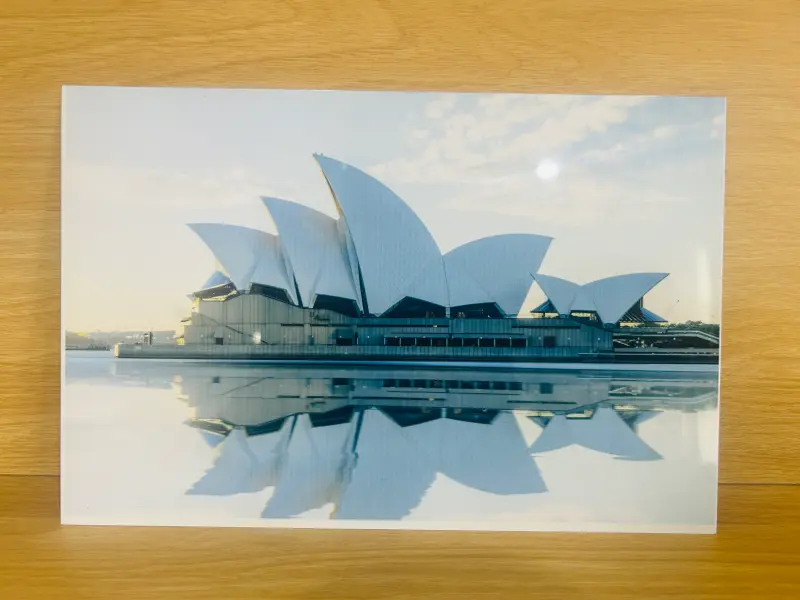
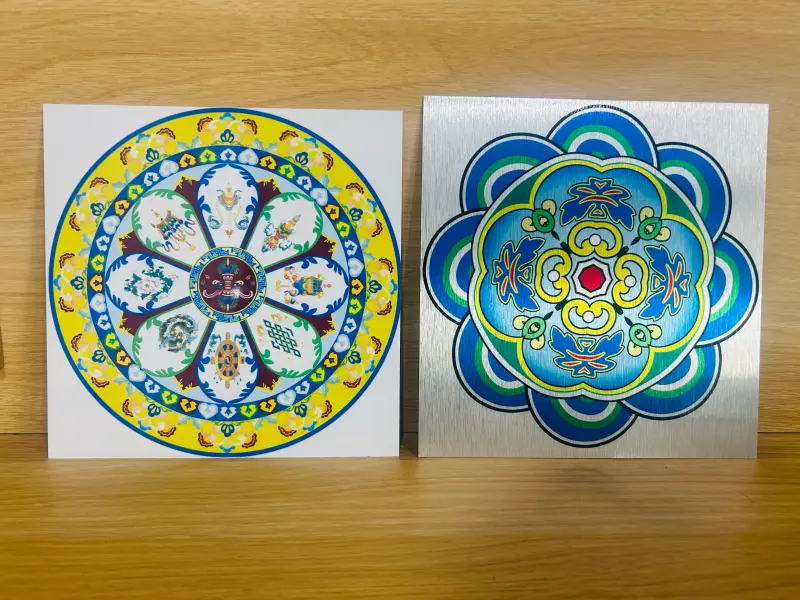
Technical Specifications of Aluminum Sublimation Sheets
Before we talk about errors, let’s look at the product itself. Not all aluminum sheets are the same. They come in different alloys and thicknesses.
Table: Standard Technical Specifications
| Feature | Details |
|---|---|
| Alloy Grade | 1050, 1060, 1100, 3003 |
| Temper (State) | H14, H18, H24 |
| Common Thickness | 0.45 mm, 0.5 mm, 0.7 mm, 1.1 mm |
| Sheet Sizes | 300 x 600 mm, 600 x 1200 mm, Custom |
| Coating Type | Polyester (PE) or High-Gloss Coating |
Table: Popular Surface Finishes
| Finish Code | Description | Best Use |
|---|---|---|
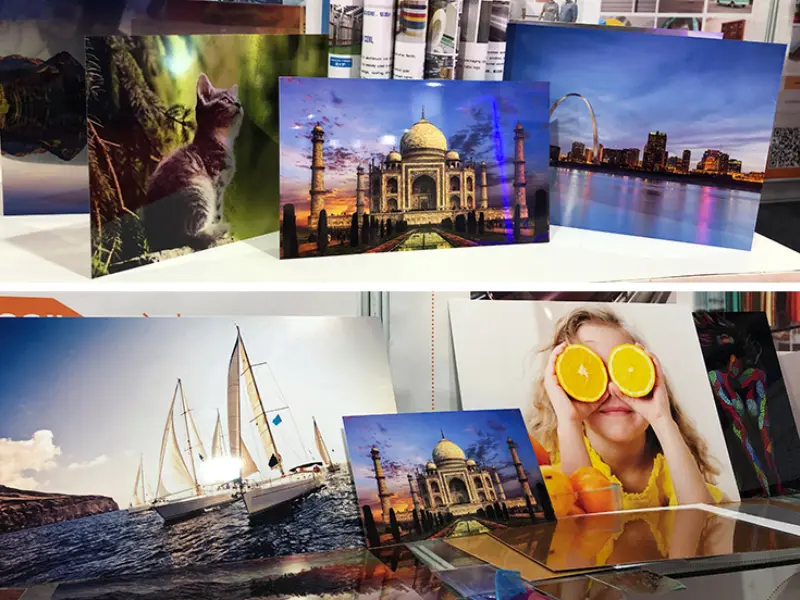
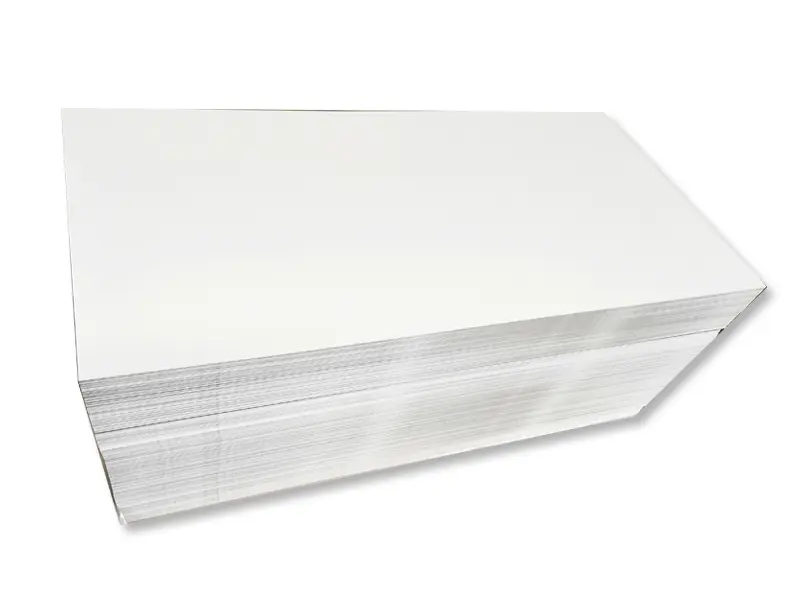
| GW-01 | Glossy White | High-definition photography |
| MW-02 | Matte White | Indoor signage (no glare) |
| BS-03 | Brushed Silver | Awards and trophies |
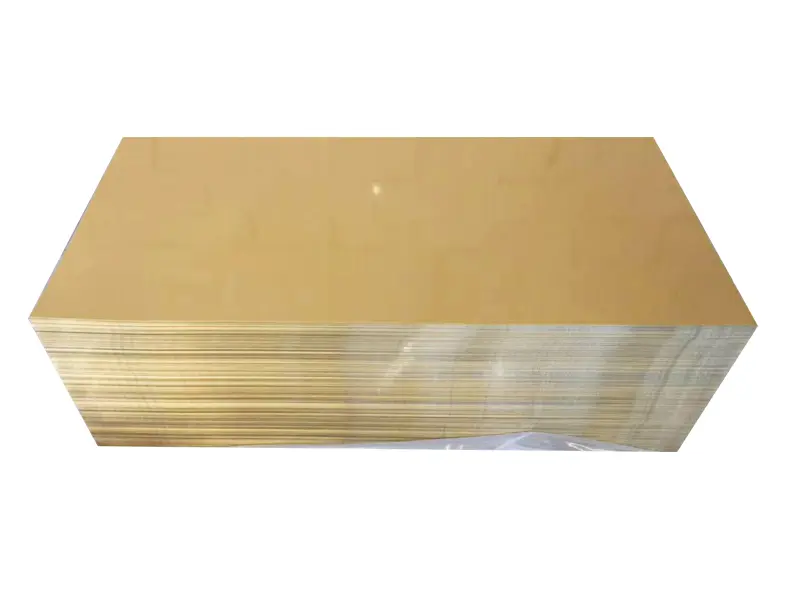
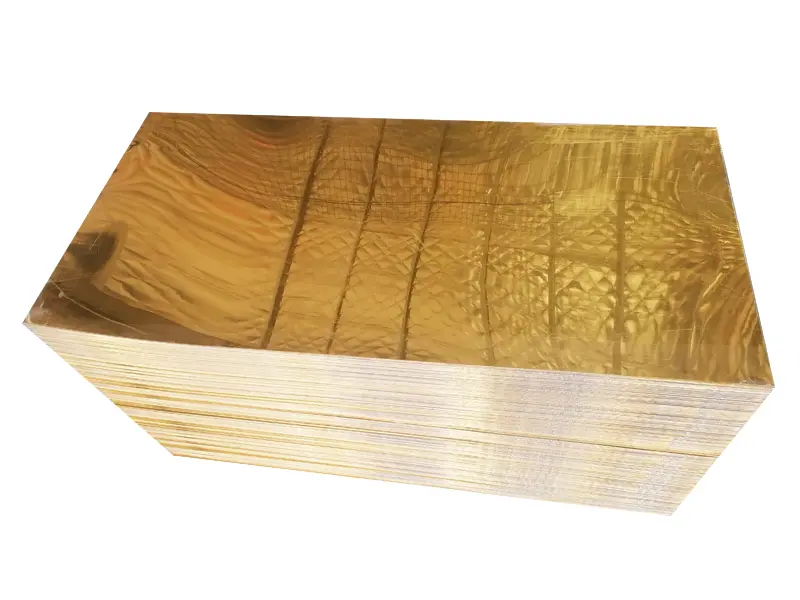
| BG-04 | Brushed Gold | Luxury nameplates |
Common Sublimation Mistakes to Avoid
Even with the best equipment, things can go wrong. Here are the most frequent sublimation mistakes made by beginners and professionals alike.
Mistake: Not Removing the Protective Film
Most aluminum sheets come with a thin plastic film. This film protects the coating from scratches during shipping.
- The Problem: If you press the sheet with the film on, it will melt.
- The Result: A ruined heat press and a sticky mess on your aluminum.
- The Fix: Always peel the clear or blue film off before you start.
Mistake: Incorrect Temperature and Time
Every heat press is different. Aluminum is a great conductor of heat. It gets hot very fast.
- The Problem: Using the same settings for ceramic mugs on aluminum.
- The Result: If it is too hot, the colors look “burnt” or brown. If it is too cold, the image is faint.
- The Fix: Usually, set your press to 180 – 200 degrees Celsius. Press for 45 – 60 seconds.
Mistake: Uneven Pressure Settings
Pressure is key to moving the ink from the paper to the metal.
- The Problem: Applying too much or too little pressure.
- The Result: Too much pressure can bend the aluminum. Too little pressure creates “ghosting” (blurry edges).
- The Fix: Use medium pressure. The paper should be held firmly against the sheet without moving.
Mistake: Poor Cleaning of the Surface
Dust and fingerprints are the enemies of a perfect print.
- The Problem: Touching the white coating with bare hands before printing.
- The Result: Oils from your skin create spots where the ink won’t stick.
- The Fix: Use a microfiber cloth and a little bit of rubbing alcohol. Clean the surface right before you place the paper.
Mistake: Using Low-Quality Sublimation Paper
Not all paper is made for metal.
- The Problem: Using paper that holds too much moisture.
- The Result: You might see “snowflakes” or tiny white dots in the dark areas of your print.
- The Fix: Use high-quality, fast-dry sublimation paper. Keep your paper in a dry place.
Mistake: Incorrect Heat Tape Placement
You need to tape the paper to the aluminum so it doesn’t slide.
- The Problem: Using standard office tape or too much heat tape.
- The Result: Standard tape will melt. If you put tape over the image area, it might leave a mark.
- The Fix: Use “Heat Resistant Tape.” Only tape the edges where there is no design.
Mistake: Ignoring the Cooling Process
Aluminum stays hot for a long time after it leaves the press.
- The Problem: Moving the paper while the sheet is still very hot.
- The Result: This causes “ghosting” because the ink is still turning into gas.
- The Fix: Carefully remove the sheet and let it cool on a flat surface. Do not peel the paper until you have moved it away from the heat source.
Understanding the Material: Alloy and Temper
To get the best results, you need to understand the metal. The type of aluminum affects how it bends and how it takes the coating.
The 1000 Series (Pure Aluminum)
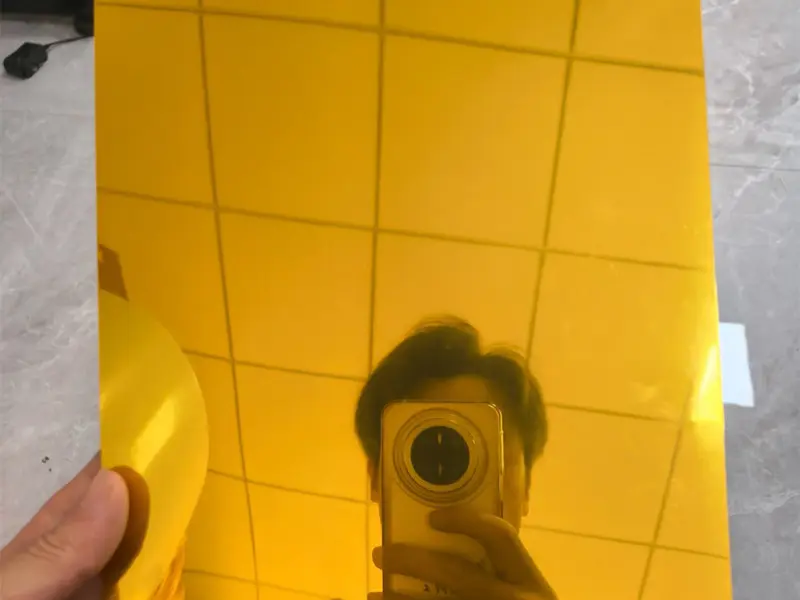
Alloys like 1050 and 1060 are very pure. They are soft and easy to cut. These are great for small items like indoor signs or jewelry. They have excellent thermal conductivity.
The 3000 Series (Manganese Alloy)
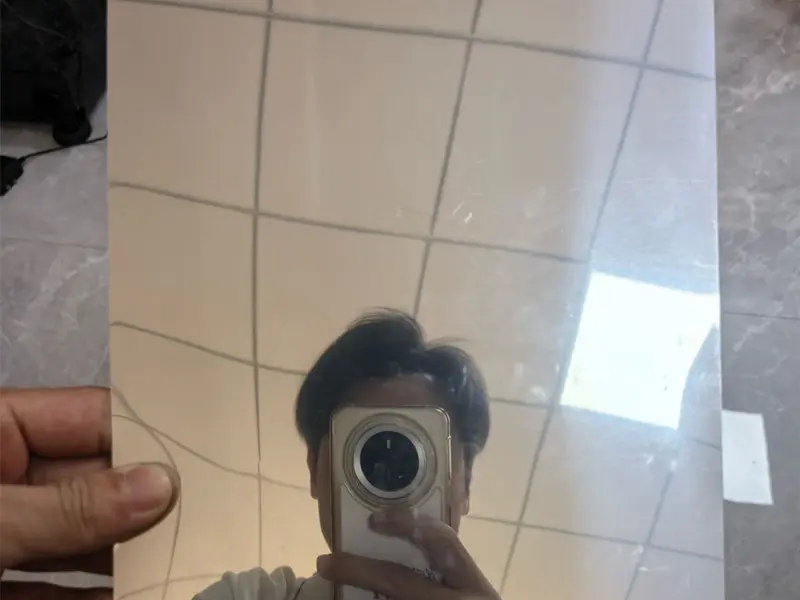
The 3003 alloy is stronger. It contains manganese. This makes it better for larger panels that need to stay flat. If you are making large wall art, choose 3003 with an H14 temper.
What does “H” mean?
The “H” stands for “Strain Hardened.”
- H14: Half-hard. It is a balance between strength and flexibility.
- H18: Full hard. It is very stiff and difficult to bend.
- H24: Part-annealed. Good for shapes that need slight bending.
Troubleshooting Guide
If you see a problem, use this table to find the cause. This helps you avoid repeating sublimation mistakes.
Table: Quick Troubleshooting
| Visual Symptom | Possible Cause | Solution |
|---|---|---|
| Faded Colors | Not enough time or heat | Increase time by 10 seconds |
| Brown/Dark Colors | Too much heat | Lower temperature by 5 degrees |
| Blurry Edges | Paper moved during cooling | Use more heat tape; be steady |
| Small White Dots | Dust or moisture | Clean the sheet; dry the paper |
| Bubbles in Coating | Pressure is too high | Loosen the heat press handle |
Main Applications for Aluminum Sublimation Sheets
Aluminum sheets are used in many industries. Because they are light and waterproof, they work where paper fails.
- Photography and Fine Art:
- High-definition photo panels for galleries.
- Wedding photos with a metallic shine.
- Signage and Branding:
- Outdoor “no parking” or “safety” signs.
- Logo plates for office doors.
- Restaurant menus on the wall.
- Awards and Recognition:
- Trophy plaques.
- Employee of the month certificates.
- Commemorative plates.
- Personalized Gifts:
- Custom phone case inserts.
- Metal business cards.
- Holiday ornaments and luggage tags.
How to Choose the Right Product
When you buy aluminum sublimation sheets, check the coating thickness. A thicker coating (60 to 80 microns) usually produces deeper blacks and more vivid reds.
If you are working on a budget, a 1050 alloy in 0.45 mm thickness is the standard. For high-end architectural signs, you should look for 1.1 mm thickness with a UV-resistant coating.
Why Quality Matters
Low-quality sheets often have “pinholes” in the coating. You might not see them at first. But when the ink turns to gas, it falls into these holes. This creates a speckled look. Buying high-grade material reduces your sublimation mistakes instantly.
Common Mistakes When Using Aluminum Sublimation Sheets
Common Mistakes When Using Aluminum Sublimation Sheets Using aluminum sublimation sheets is a great way to create beautiful products. By avoiding the common sublimation mistakes mentioned above—like forgetting the film or using the wrong temperature—you will save time and money.
Remember to:
- Clean the surface every time.
- Use the correct alloy for the job (1050 vs 3003).
- Monitor your heat press settings closely.
With a little practice, your metal prints will look professional and last for years. Whether you are making a small nameplate or a giant piece of wall art, the right technique makes all the difference.
Leave a Reply
You must be logged in to post a comment.