
If you are looking for A3 sublimation metal sheet, this guide will explain sizes, printing process, paper options, and pricing. A3 size is perfect for large photo panels, advertising signs, awards, and custom metal prints.
Many customers search online:
- can you do sublimation on metal
- can I sublimate on metal
- how do you sublimate on metal
- sublimation paper A3 size
- A3 sublimation paper
- A3 sublimation metal
- metal sheet sublimation printing
- metal sublimation blank signs
- A3 sublimation aluminium
- A3 size sublimation metal sheet
- A3 sublimation paper price
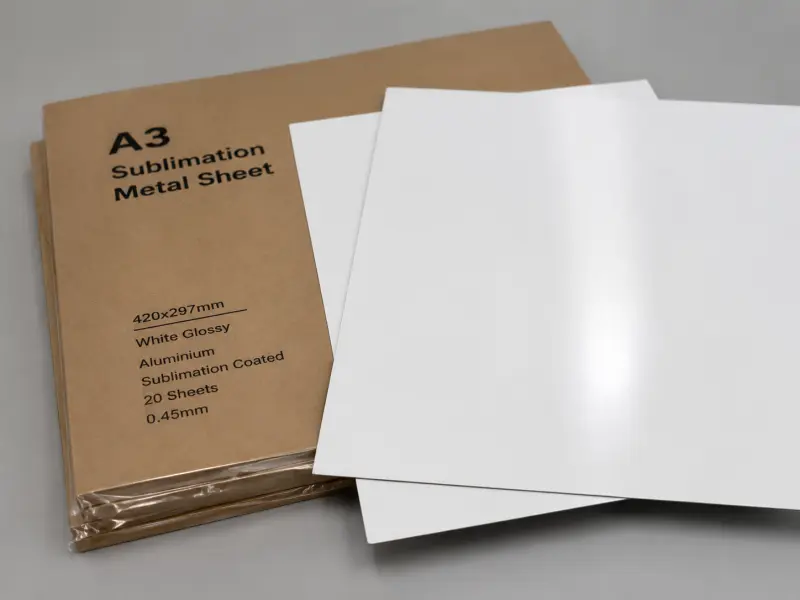
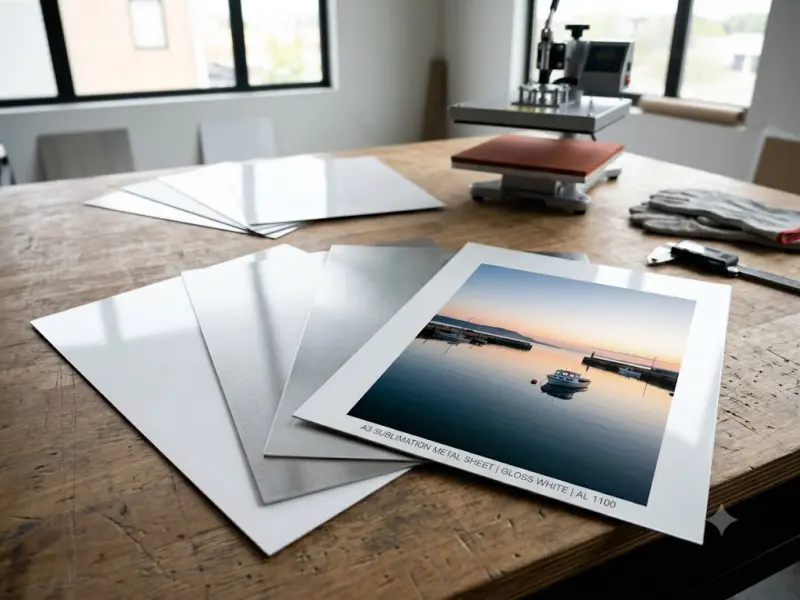
What Is an A3 Sublimation Metal Sheet?
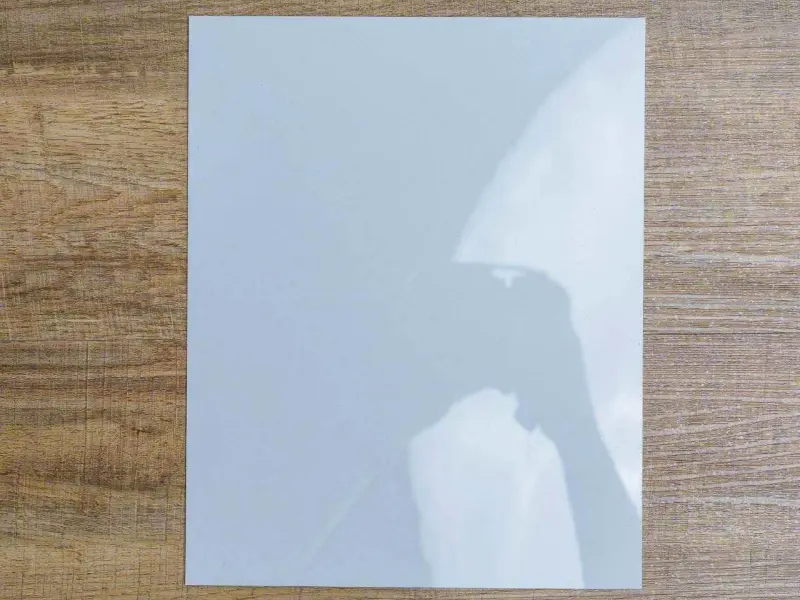
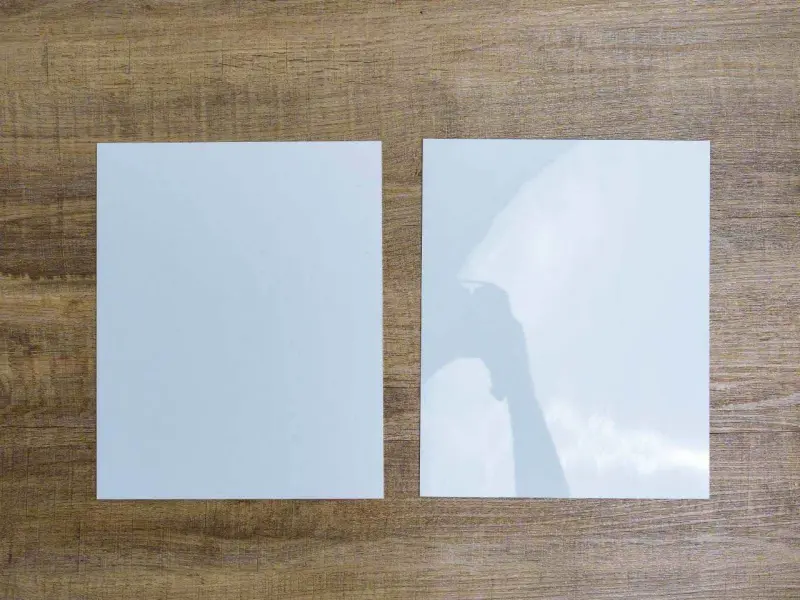
An A3 sublimation metal sheet is an aluminum panel coated with a special polyester layer. This coating allows dye ink to transfer into the surface using heat and pressure.
It is widely used in:
- Metal sheet sublimation printing
- Photo panels
- Advertising boards
- Decorative wall art
- Metal sublimation blank signs
Compared with wood or acrylic, sublimation metal gives brighter colors and longer durability.
A3 Size Sublimation Metal Sheet Dimensions
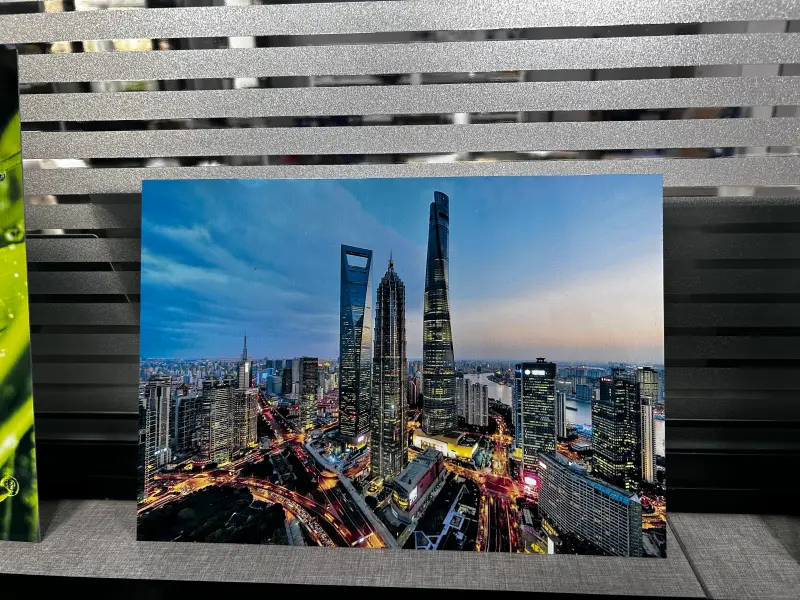
The A3 is a standard international paper size.
A3 Size Table
| Item | Size in mm | Size in inches |
|---|---|---|
| A3 | 297 × 420 mm | 11.7 × 16.5 inch |
| Thickness | 0.45 – 1.5 mm | 0.018” – 0.059” |
| Corner Style | Square / Rounded | Custom |
A3 sublimation aluminium sheets are larger than A4, making them ideal for wall decoration and commercial signs.
Can You Do Sublimation on Metal?
A common question is: can you do sublimation on metal?
Yes, you can — but only if the metal has a sublimation coating.
Without coating:
- Ink will not bond.
- Image will fade or peel.
With coated metal:
- Ink becomes part of the surface.
- Colors remain bright.
- Surface becomes scratch-resistant.
So, if you ask can I sublimate on metal? The answer is yes, when using professional sublimation blanks.
How Do You Sublimate on Metal?
If you are new to metal sheet sublimation printing, follow these steps.
Step-by-Step Process
- Print your design on A3 sublimation paper.
- Use mirror mode before printing.
- Place paper on coated metal sheet.
- Fix with heat-resistant tape.
- Set heat press machine.
- Remove paper after cooling.
Recommended Heat Settings
| Temperature | Time | Pressure |
|---|---|---|
| 180–200°C | 50–70 seconds | Medium |
Always test different settings based on thickness.
A3 Sublimation Paper Size
Correct paper size is important for clean transfer.
Sublimation Paper A3 Size
| Paper Type | Size (mm) | Use |
|---|---|---|
| A3 | 297 × 420 mm | Large format prints |
| A4 | 210 × 297 mm | Small prints |
Using proper A3 sublimation paper ensures full image coverage.
A3 Sublimation Paper Price
Many customers compare A3 sublimation paper price before purchasing.
Estimated Price Range
| Quantity | Price (USD) |
|---|---|
| 100 sheets | $18 – $30 |
| 500 sheets | $80 – $130 |
| 1000 sheets | $150 – $250 |
Prices depend on brand and coating quality.
Types of A3 Sublimation Metal Sheets
Different finishes create different visual effects.
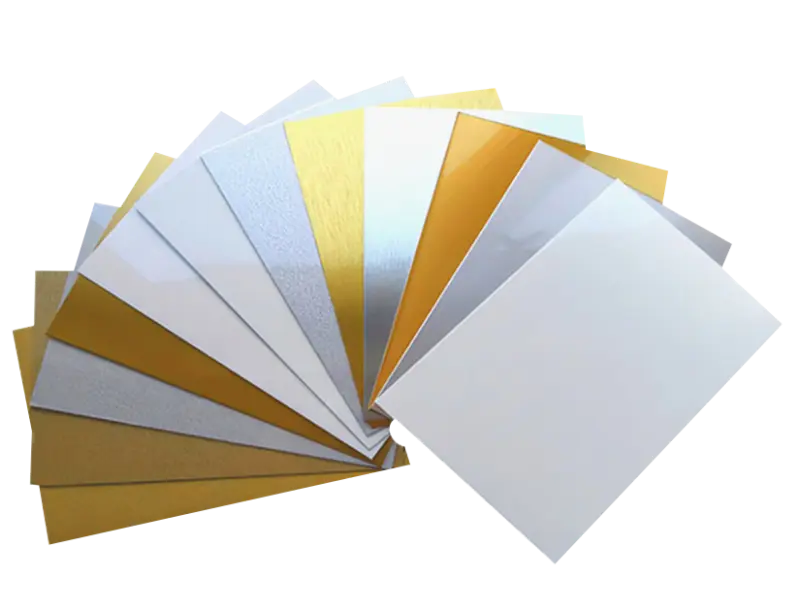
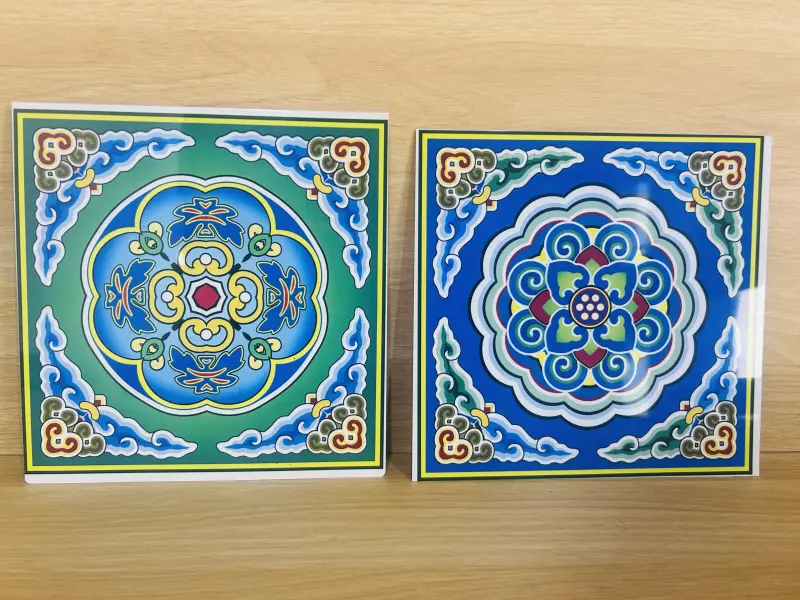
Surface Finish Options
| Finish | Appearance | Application |
|---|---|---|
| Glossy White | Bright, vivid | Photo panels |
| Matte White | Soft effect | Wall art |
| Brushed Silver | Metallic texture | Nameplates |
| Gold | Luxury look | Awards |
| Mirror | Reflective | Decorative signs |
These are commonly used as metal sublimation blank signs.
Technical Specifications of A3 Sublimation Aluminium
| Feature | Specification |
|---|---|
| Base Material | Aluminum 1050 / 3003 |
| Coating | Polyester sublimation coating |
| Thickness | 0.45 / 0.6 / 1.0 / 1.5 mm |
| Standard Size | 297 × 420 mm |
| Protective Film | Yes |
| Heat Resistance | Up to 200°C |
These features make A3 size sublimation metal sheet ideal for commercial printing.
Applications of A3 Sublimation Printing
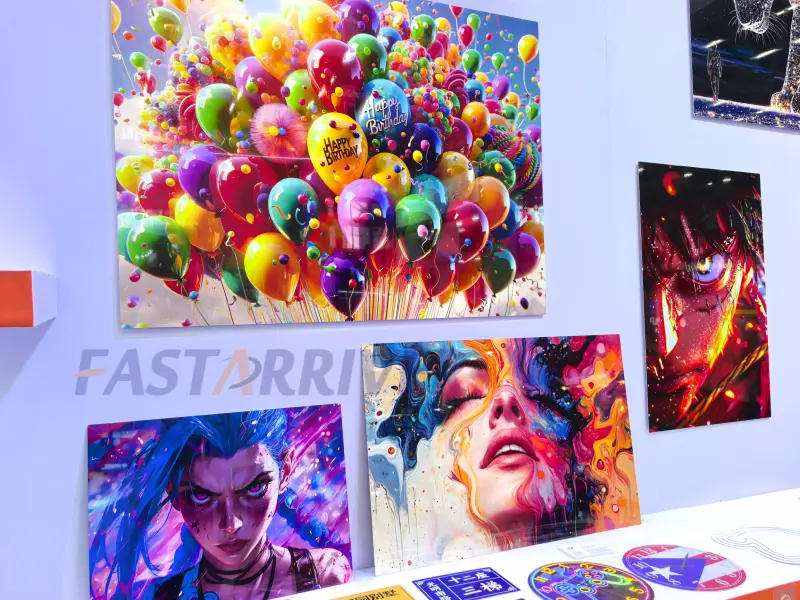
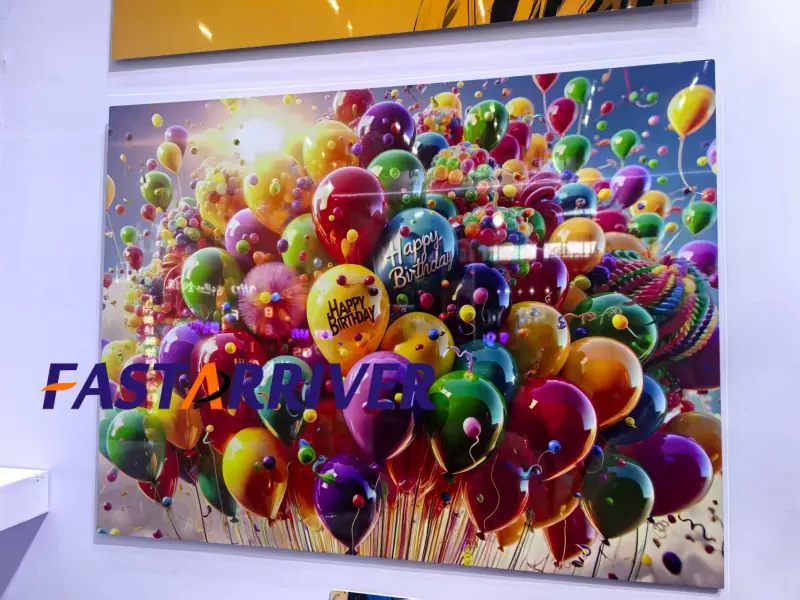
A3 sublimation printing is popular in many industries.
Home & Decoration
- Large photo panels
- Custom wall art
- Family portraits
Advertising & Business
- Company signs
- Promotional boards
- Brand display panels
- Metal sublimation blank signs
Awards & Gifts
- Certificates
- Memorial plaques
- Personalized gifts
Industrial Use
- Equipment labels
- Machine ID plates
Because A3 is larger than A4, it is perfect for visual impact.
Why Choose A3 Sublimation Metal?
Advantages of A3 sublimation metal include:
- Large print area
- Professional finish
- Long-lasting colors
- Waterproof surface
- Scratch resistance
- Indoor and outdoor use
It is suitable for both small businesses and bulk production.
Comparison: Metal vs Other Sublimation Materials
| Material | Print Quality | Durability | Cost |
|---|---|---|---|
| Aluminum | Very High | Long-lasting | Medium |
| Acrylic | Medium | Moderate | Medium |
| MDF | High | Indoor only | Low |
Metal sheet sublimation printing gives the most premium result.
Custom A3 Sublimation Aluminium Options
Professional manufacturers can provide:
- Custom thickness
- Pre-drilled holes
- Rounded corners
- Magnetic backing
- Adhesive backing
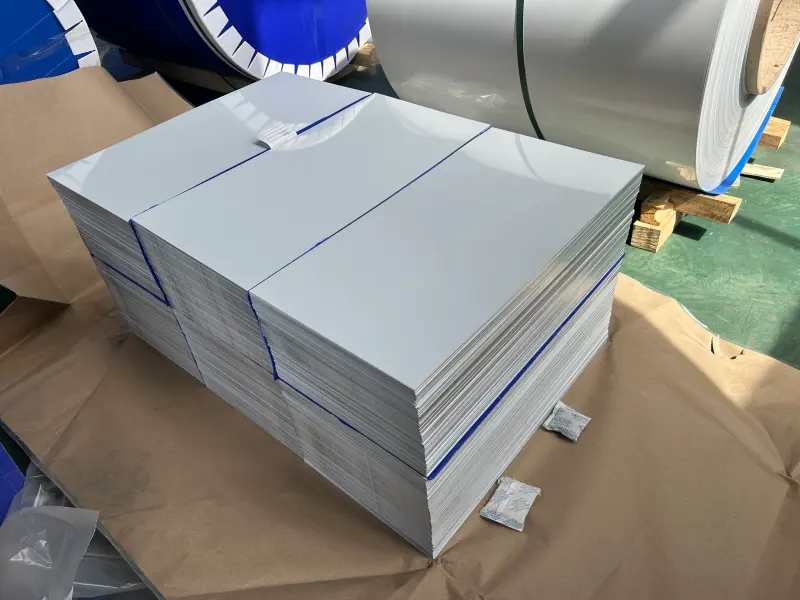
- Bulk packaging
This helps reduce processing time for sign makers.
Buying Guide for A3 Size Sublimation Metal Sheet
Before ordering, confirm:
- Thickness (0.6mm, 1.0mm, or 1.5mm)
- Surface finish (glossy or matte)
- Indoor or outdoor use
- Quantity required
- Matching A3 sublimation paper size
Clear details help suppliers give accurate quotation.
A3 sublimation metal sheet for sale
A3 sublimation metal sheet is a popular choice for large-format metal printing. It is strong, durable, and produces bright high-quality images.
If you are asking:
- can you do sublimation on metal? → Yes, with coated aluminum.
- can I sublimate on metal? → Yes, using sublimation blanks.
- how do you sublimate on metal? → Use heat press at 180–200°C.
With the correct A3 sublimation paper, proper heat settings, and quality aluminum sheets, you can achieve professional results every time.
A3 Sublimation Metal Sheet for heat transfer printing
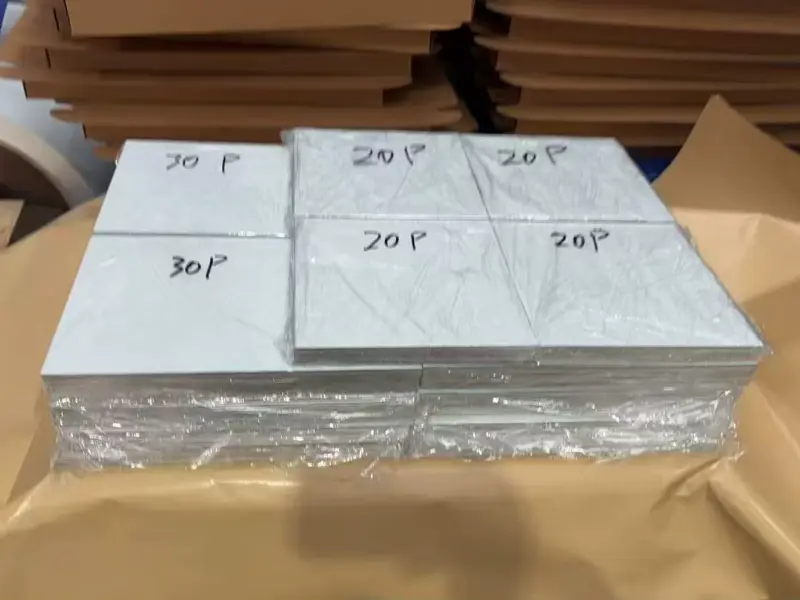
An A3 sublimation metal sheet is a high-quality aluminum blank made for heat transfer printing. The A3 size gives you plenty of space for large photos, signs, and artwork. It comes with a special polymer coating on the front surface. This coating turns liquid ink into a solid, clear image under high temperature.
Businesses and craft makers love this product. It offers sharp color, bright shine, and strong durability. You can print rich designs that will not peel, crack, or wash away.
Technical Specifications and Dimensions

Understanding the exact measurements helps you pick the right sheet for your printing machine. Here are the core specifications for the A3 size.
Standard A3 Sheet Dimensions
| Specification | Metric Value | Imperial Value |
|---|---|---|
| Standard Length | 420 mm | 16.54 inches |
| Standard Width | 297 mm | 11.69 inches |
| Standard Area | 0.125 m2 | 1.34 sq ft |
| Corner Type | Square or Radius (3 mm / 5 mm) | Square or Rounded |
Aluminum Alloy Grade and Temper States
Different jobs need different metal strength and flexibility. The metal core uses specific alloy compositions and heat treatment states.
| Alloy Grade | Temper State | Strength Level | Key Benefit |
|---|---|---|---|
| Alloy 1050 | H24 | Soft / Medium | Great bending performance |
| Alloy 1100 | H14 | Standard | High purity, excellent coating bond |
| Alloy 3003 | H14 / H24 | Medium High | Very common, strong rust resistance |
| Alloy 5052 | H32 | High Strength | Marine grade, tough outdoor protection |
Thickness Options for A3 Metal Sheets
Choosing the right thickness keeps your finished product flat and sturdy. We offer several gauge sizes to meet your project needs.
Light Duty Thickness
- 0.45 mm (0.018 inches): Super light and easy to cut. Great for simple indoor signs or framed prints.
- 0.55 mm (0.022 inches): Light standard weight. Good for small display boards and light plaques.
Standard and Heavy Duty Thickness
- 0.70 mm (0.028 inches): Most popular thickness. Holds shape well under high heat press conditions.
- 1.00 mm (0.040 inches): Heavy duty. Strong resistance to bending. Best for high-end wall art and outdoor signs.
- 1.14 mm (0.045 inches): Premium heavy panel. Used for professional gallery displays.
Surface Finishes and Product Coating Types
The surface coating changes how your design looks. Different finishes create different visual styles.
Coating Style Overview
| Finish Style | Visual Effect | Refinement Level | Best For |
|---|---|---|---|
| Gloss White | Shiny, vibrant colors | Pure White Base | High-contrast photos |
| Matte White | Non-glare, smooth | Flat White Base | Text signs, portraits |
| Brushed Silver | Metallic sheen | Metallic Line Grain | Modern industrial art |
| Gloss Silver | Mirror-like metal | Clear Mirror Finish | Badges, unique awards |
| Satin Gold | Warm metallic tint | Brushed Gold Tone | Luxury certificates |
Detailed Surface Descriptions
Gloss White Surface
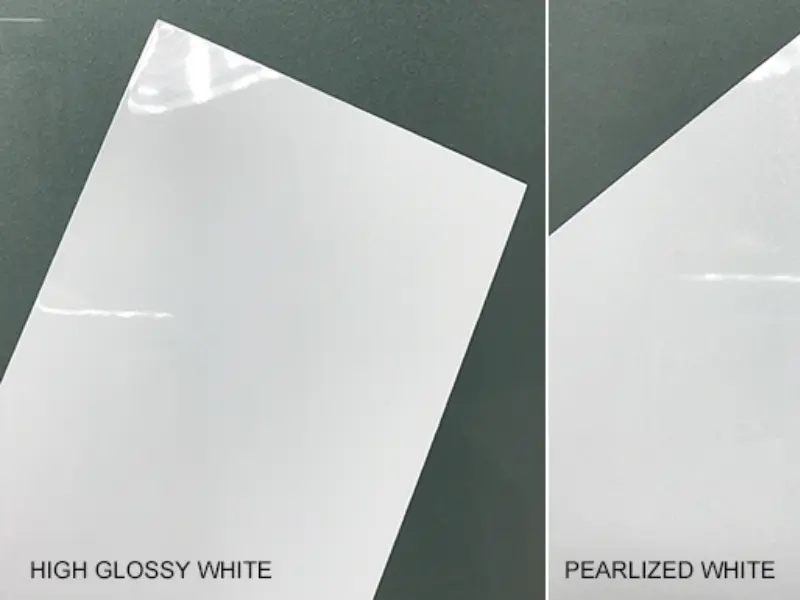
The gloss white coating is the most popular choice. It has a bright white base layer. Colors pop out with high brightness and deep black contrast. It is perfect for family photos, landscape photography, and vivid artwork.
Matte White Surface
The matte white finish reduces glare under direct light. It leaves no fingerprints when handled. This option works great for reading signs, directional maps, and soft art prints.
Brushed Silver Finish
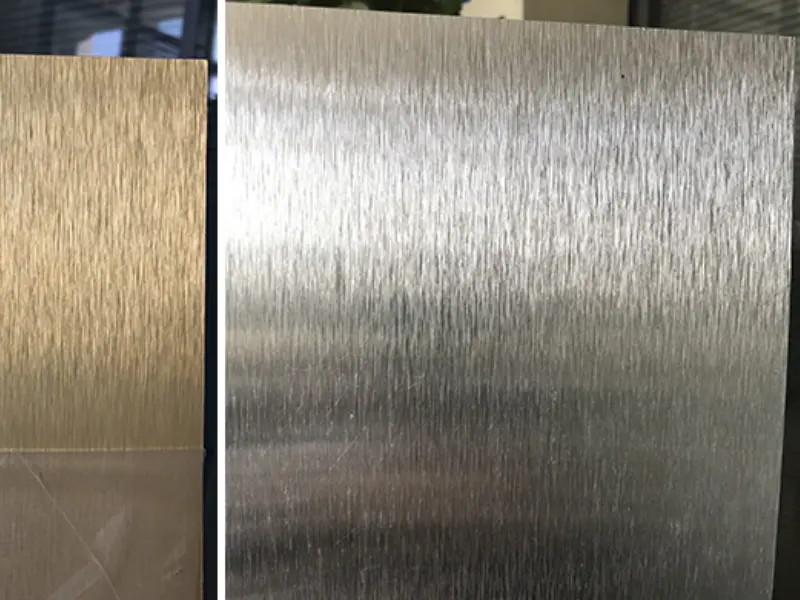
The brushed silver style lets the natural metal grain show through the image. White areas in your picture will show as raw metallic silver. This style gives your logo or art an industrial and metallic look.
Satin Gold Surface
The satin gold finish adds a rich gold tone to your transfers. It gives a high-end look to corporate plaques, door signs, and luxury awards.
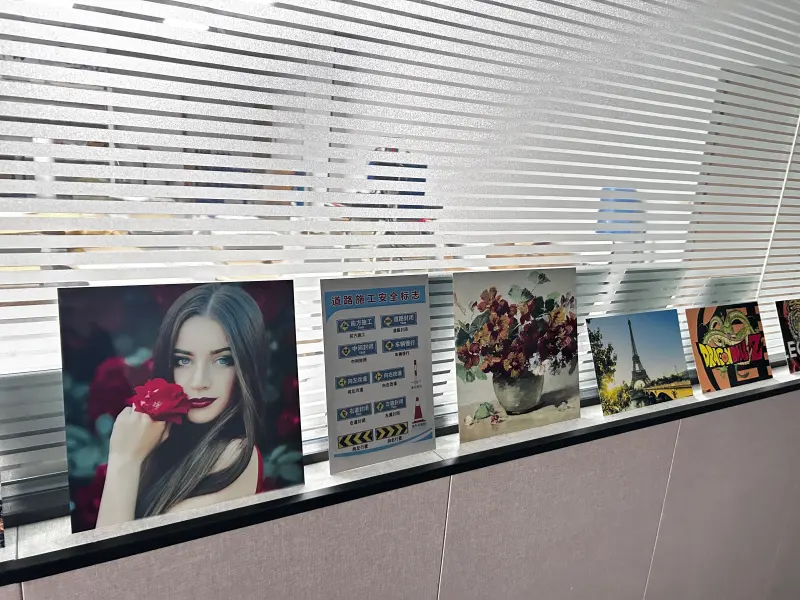
Popular Product Types and Varieties
We supply many types of A3 sublimation metal sheets to fit your market needs.
Single-Sided Coated Sheets
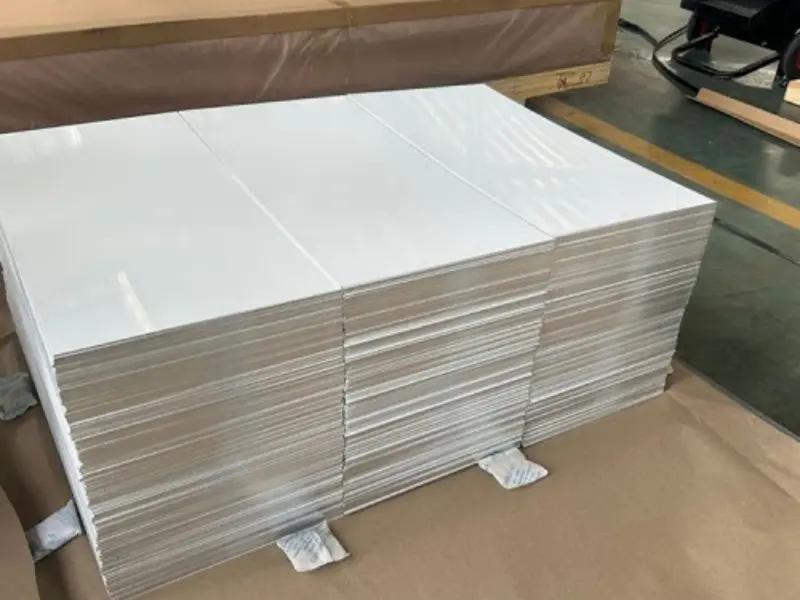
These sheets have the special polymer coating on one side only. The back side remains raw aluminum or receives a protective wash layer. This type is ideal for wall-mounted frames, flat signs, and single-side prints.
Double-Sided Coated Sheets
Double-sided sheets feature polymer coatings on both front and back surfaces. You can press designs on both sides without damaging either face. These work great for hanging signs, double-sided tags, and floating displays.
Pre-Punched Sign Sheets
These sheets come with ready-made mounting holes in the corners. They save you time during installation.
Hole Configuration Options
- Corner Holes: Four 4 mm holes at each corner.
- Top Center Holes: Two holes at the top for hanging wire.
- Slot Cutouts: Oval holes for adjustable wall mounting.
Material Comparison Guide
Comparing materials helps you make smart buying choices.
Alloy Comparison: 3003 vs 5052 vs 1050
| Feature | Alloy 1050 | Alloy 3003 | Alloy 5052 |
|---|---|---|---|
| Corrosion Resistance | High | Very High | Excellent (Saltwater safe) |
| Rigidity / Hardness | Low | Medium | High |
| Bending Ability | Best | Good | Moderate |
| Cost Level | Low | Medium | Premium |
Size Comparison: A3 vs A4 vs A2
| Sheet Format | Dimensions (mm) | Surface Area | Usage Style |
|---|---|---|---|
| A4 Format | 210×297 mm | 0.062 m2 | Small awards, desk photos |
| A3 Format | 297×420 mm | 0.125 m2 | Medium signs, main wall prints |
| A2 Format | 420×594 mm | 0.250 m2 | Large posters, gallery art |
Sublimation Metal vs MDF Wood vs Ceramic
| Property | Sublimation Metal Sheet | MDF Wood Board | Ceramic Plate |
|---|---|---|---|
| Break Resistance | Will not shatter | Can chip at edges | Fragile / Can break |
| Waterproof | 100% Waterproof | Absorbs moisture | 100% Waterproof |
| Weight | Light | Heavy | Very Heavy |
| Thickness Profile | Slim (0.5 mm to 1.1 mm) | Thick (5 mm to 15 mm) | Thick (4 mm to 8 mm) |
Step-by-Step Pressing Guide for A3 Metal
Follow these steps to get perfect transfer results every time.
Heat Press Settings Summary
| Surface Finish | Press Temperature | Pressing Time | Pressure Setting |
|---|---|---|---|
| Gloss White Sheet | 190∘C (375∘F) | 55−65 seconds | Medium (40−50 PSI) |
| Matte White Sheet | 195∘C (385∘F) | 50−60 seconds | Medium (40−50 PSI) |
| Brushed Silver Sheet | 185∘C (365∘F) | 60−70 seconds | Medium-Light (35 PSI) |
Simple Printing Process Flow
Remove Protective Film→Clean Metal Surface→Tape Artwork Face Down→Press Under Heat→Peel Hot
Step One: Remove Protective Film
Every new sheet comes with a clear blue or transparent film. Peel off this film completely before pressing.
Step Two: Clean the Surface
Wipe the metal sheet with a microfiber cloth and rubbing alcohol. Dust or fingerprints can leave spots on your print.
Step Three: Tape Your Artwork
Place your printed sublimation paper face down on the coated metal side. Use heat-resistant tape on all four sides to keep the paper flat.
Step Four: Heat Press Application
Put a fresh sheet of butcher paper on the heat press bed. Place the metal sheet on top with the paper facing up. Cover with another sheet of butcher paper. Press using the temperature and time listed above.
Step Five: Cooling Down
Remove the metal sheet carefully using heat gloves. Peel the transfer paper off immediately. Place the metal sheet flat under a heavy weight to stay cool and stay straight.
Key Application Fields
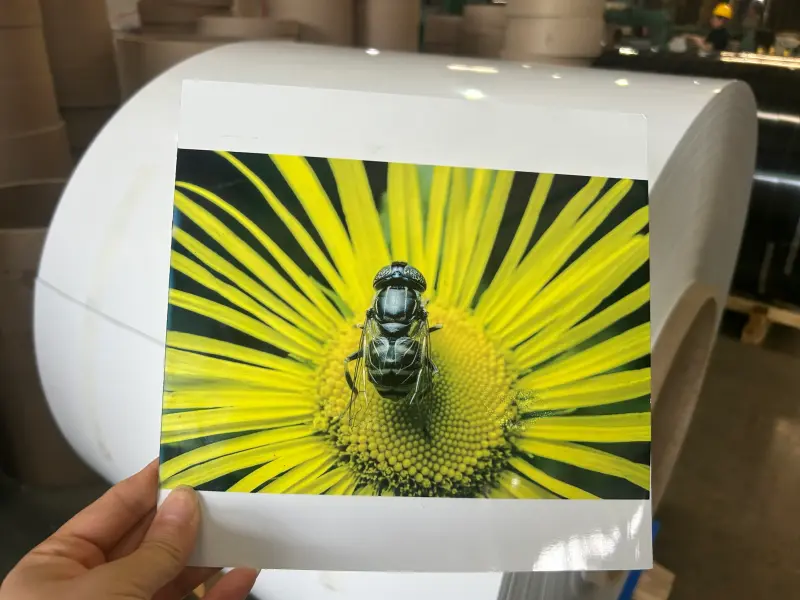
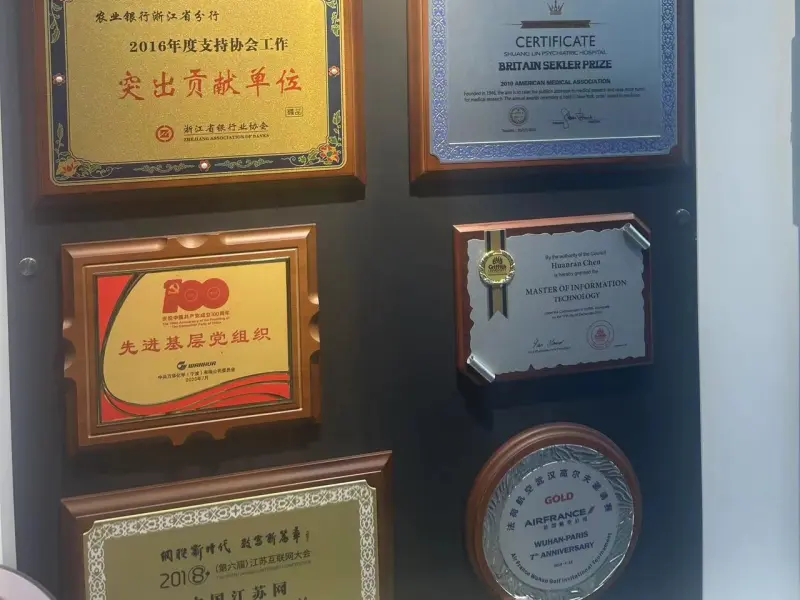
An A3 sublimation metal sheet works for many business and personal projects.
Recommended Uses List
- High-End Photo Panels: Print vivid family photos and wedding portraits.
- Commercial Signage: Make custom store signs, office directional boards, and door plates.
- Fine Art Displays: Produce metallic art reproductions for galleries and hotels.
- Industrial Nameplates: Create long-lasting machine instructions, serial plates, and warning signs.
- Commemorative Awards: Craft corporate award plaques, diplomas, and sports certificates.
- Custom Home Decor: Design custom kitchen backsplashes, clock faces, and wall hangings.
FAQ: Frequently Asked Questions
What is the exact size of an A3 sublimation metal sheet?
The standard size is 297×420 mm. In inches, this measures 11.69×16.54 inches.
Which alloy type is best for outdoor metal signs?
Alloy 5052 is the best choice for outdoor use. It resists rust, salt air, and tough weather conditions better than standard alloys. Alloy 3003 also works well for standard outdoor signs.
How do you prevent bending or warping during heat pressing?
To keep the sheet flat, use medium, even pressure. Do not use extremely high pressure. After pressing, set the hot metal sheet on a flat surface and place a flat heavy object on top until it cools down completely.
Can I cut an A3 sheet into smaller sizes after sublimation?
Yes, you can cut the sheet using a corner rounder, table shear, or metal cutter. The polymer coating sticks tightly to the aluminum, so it will not chip off during clean cuts.
What press temperature and time should I use for A3 aluminum plates?
A temperature of 190∘C (375∘F) for 50 to 60 seconds works well for most white sheets. Adjust your time slightly based on your metal thickness.
Leave a Reply
You must be logged in to post a comment.