
Why Is My Sublimation Print Fading on Aluminum? Sublimation on metal is a fantastic way to create high-end products. However, many printers face a common issue: fading. Seeing a vibrant design lose its color can be frustrating. Understanding the root causes of sublimation problems aluminum is the first step to fixing them.
In most cases, fading is not caused by the ink alone. It is often a combination of the heat press settings, the environment, and the quality of the aluminum alloy sheet you are using.

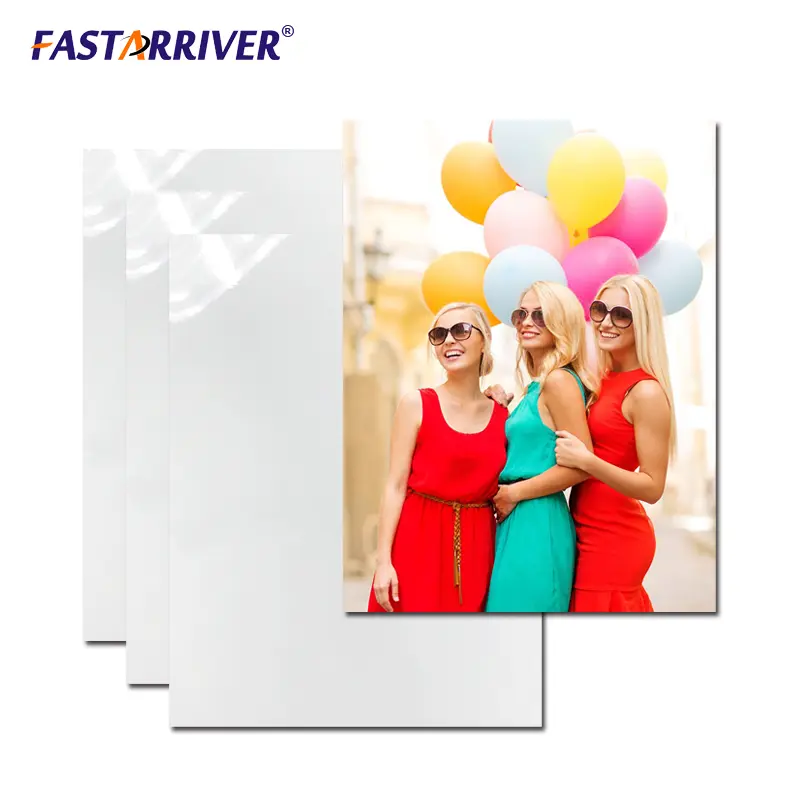
Technical Specifications of Professional Sublimation Blanks
The quality of your print starts with the metal. Not all aluminum sheets are created equal. The alloy type and the temper (hardness) of the metal change how it absorbs heat.
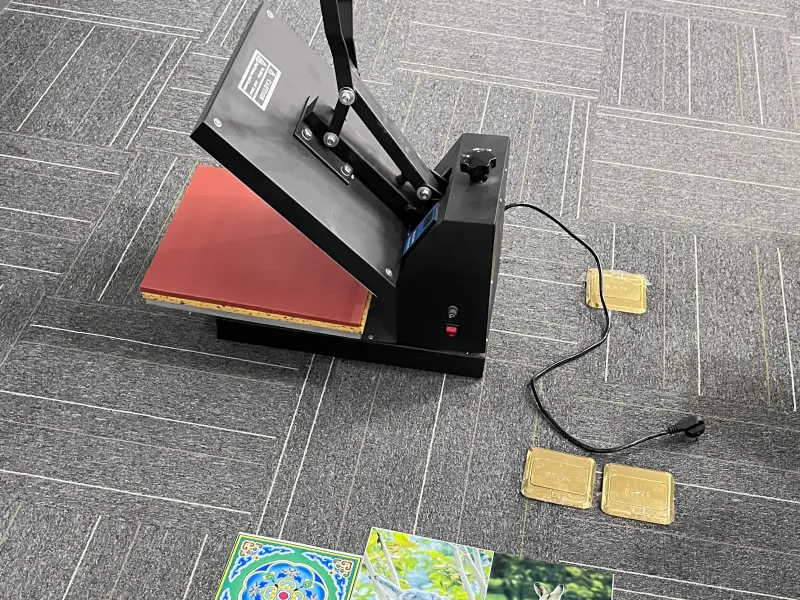
Alloy and Coating Specs
| Property | Details |
|---|---|
| Common Alloys | $$1050$$, $$1060$$, $$3003$$, $$5052$$ |
| Temper States | $$H14$$, $$H18$$, $$H24$$, $$H32$$ |
| Sheet Thickness | $$0.45$$ mm to $$1.1$$ mm |
| Coating Material | UV-Resistant Polyester or Polyurethane |
| Heat Tolerance | Up to $$220^{\circ}C$$ ($$428^{\circ}F$$) |
| Surface Finish | High Gloss, Matte, Brushed, or Satin |
Digital Types and Specifications
We categorize our sheets into digital types based on their performance and size. This helps distributors and printing shops choose the right material for their specific heat press.
| Digital Type | Dimensions (mm) | Thickness (mm) | Best Application |
|---|---|---|---|
| Type-F1 | $$200 \times 300$$ | $$0.5$$ | Small Photo Plates |
| Type-F2 | $$300 \times 600$$ | $$0.5$$ | Industrial Nameplates |
| Type-F3 | $$600 \times 1200$$ | $$0.7$$ | Large Signage |
| Type-F4 | $$1220 \times 2440$$ | $$1.1$$ | Architectural Decor |
Common Causes of Fading in Aluminum Sublimation
If you are experiencing sublimation problems aluminum, the cause usually falls into one of three categories: Heat, Pressure, or Coating Quality.
1. Under-Cooking (Insufficient Heat or Time)
If the heat press is not hot enough, the ink cannot turn into a gas. It stays on the surface of the paper rather than moving into the aluminum coating. This results in a “faded” or “washed out” look immediately after printing.
2. Over-Cooking (Too Much Heat or Time)
Surprisingly, too much heat can also cause fading. If you leave the metal in the press for too long, the ink molecules can “blow out” or spread too thin. This makes the colors look dull and the edges look blurry.
3. UV Exposure and Sunlight
Standard sublimation inks are sensitive to ultraviolet (UV) light. If you hang a printed aluminum sign in direct sunlight, the colors will fade over a few months. This is a common environmental problem.
4. Poor Coating Quality
The sublimation coating is a polymer layer. If this layer is too thin, it cannot hold enough ink. If the layer is poor quality, it will degrade quickly, causing the image to disappear.
Different Types of Aluminum Sublimation Products
To avoid sublimation problems aluminum, you must choose the right product type for your specific job.
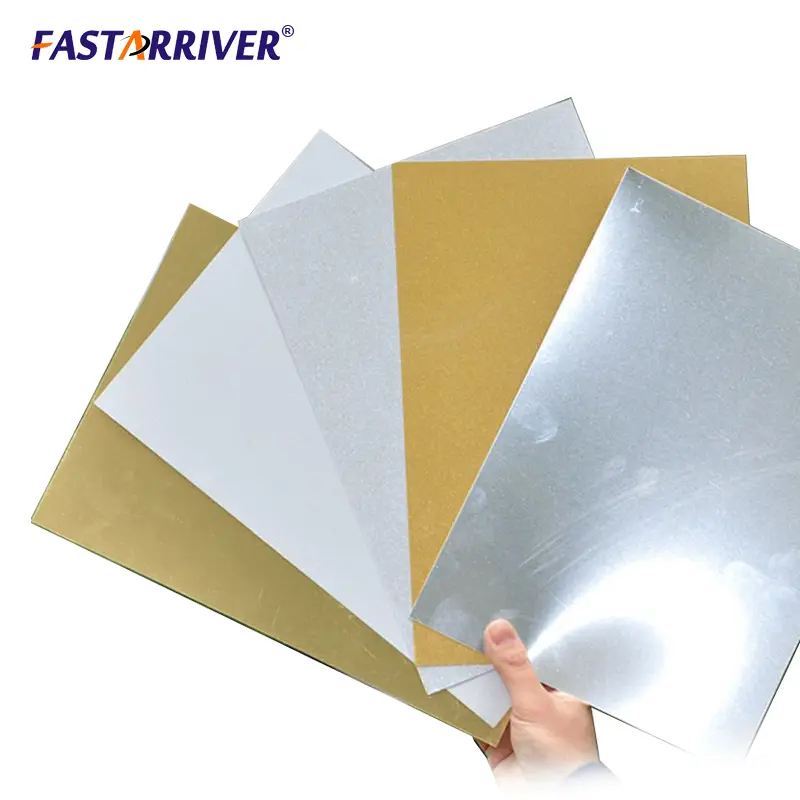
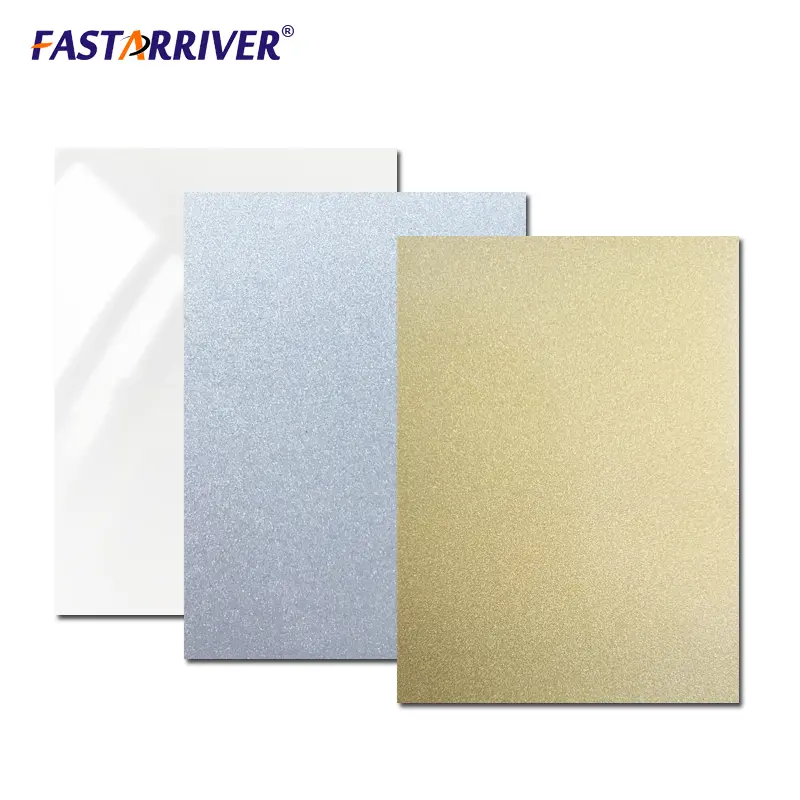
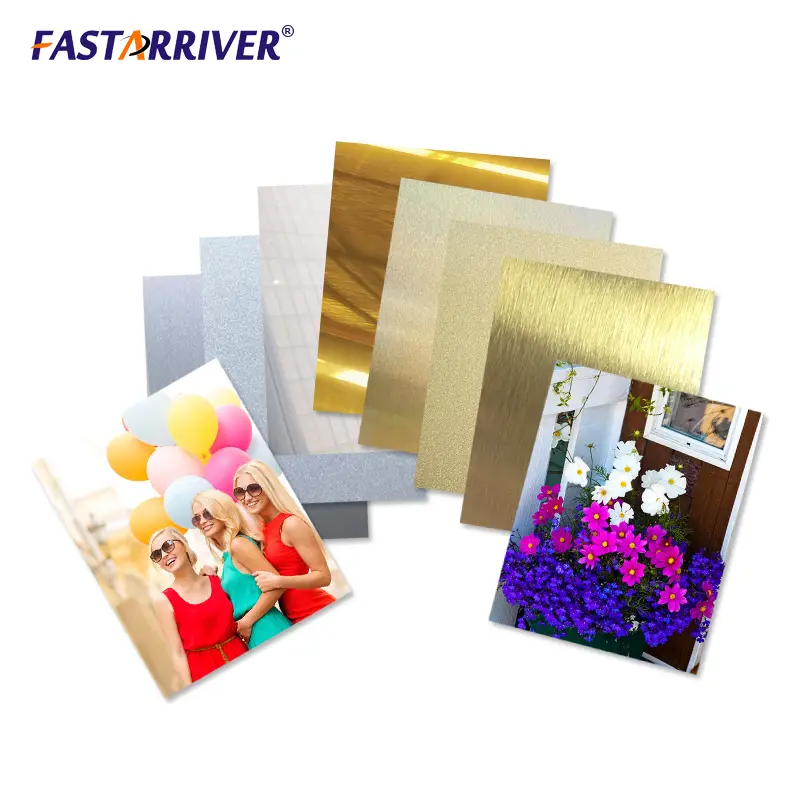
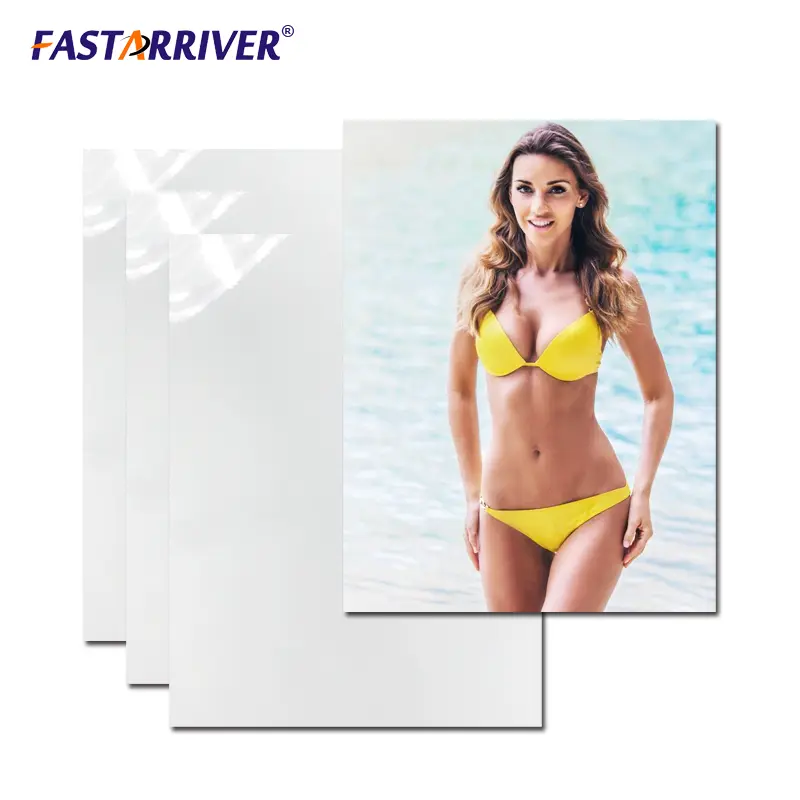
Gloss White Sublimation Aluminum
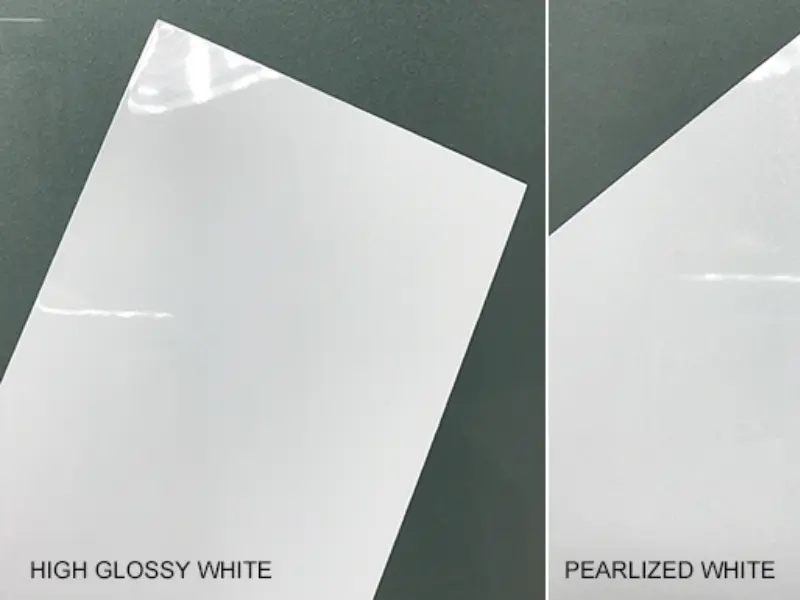
This is the standard for photography. The white base ensures that colors are accurate. It has a high-gloss finish that reflects light like a mirror. It is excellent for wedding photos and high-end awards.
Brushed Silver Sublimation Aluminum
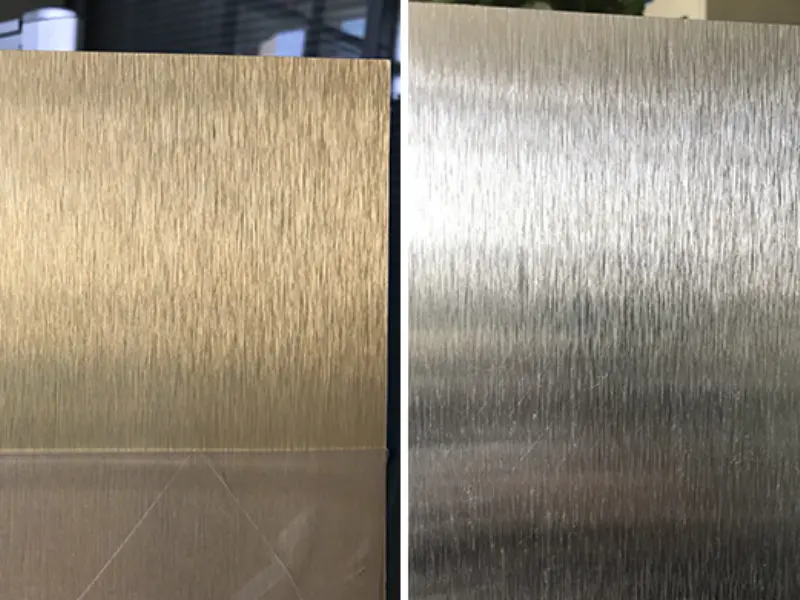
Instead of a white base, this sheet shows the natural texture of the metal. It is very popular for modern office signs and industrial plates. Because there is no white ink in sublimation, any “white” in your design will appear as the brushed silver of the metal.
Matte Finish Aluminum
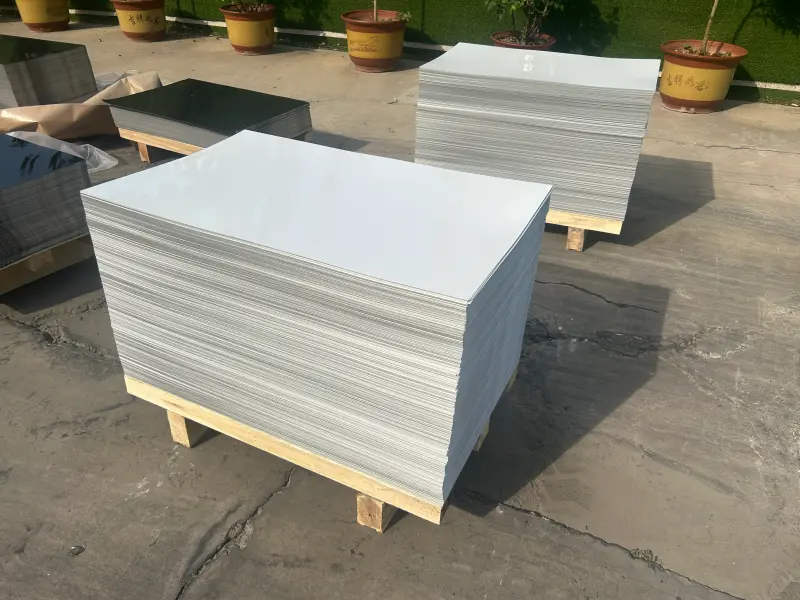
Matte sheets are designed to reduce glare. They are the best choice for information boards or signs that will be placed under heavy office lighting. They feel very professional and are less likely to show fingerprints.
UV-Protected Outdoor Aluminum
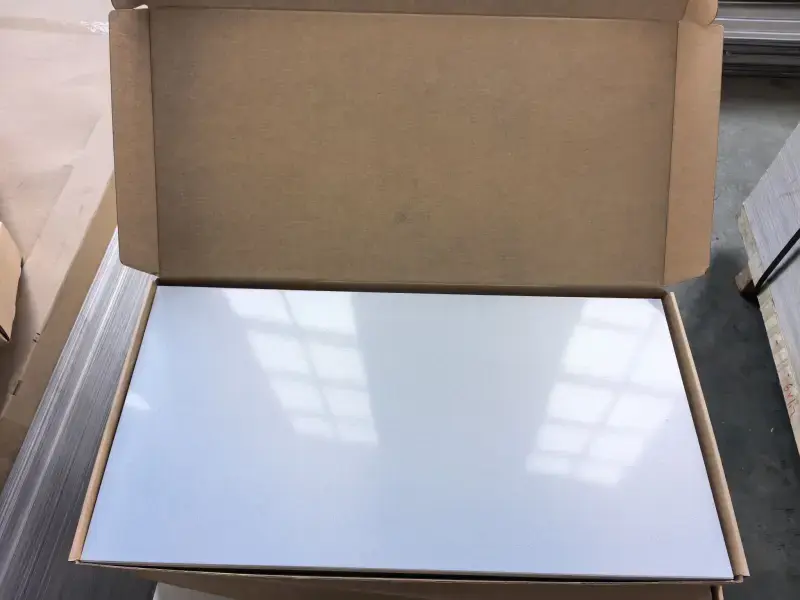
These are specialized sheets. They have an extra layer of UV inhibitors in the coating. If your application is outdoors, you must use this type to prevent sunlight fading.
Professional Applications of Aluminum Sublimation Sheets
Aluminum is versatile. Its durability makes it better than paper or plastic for many professional fields.
Industrial and Technical Applications
- Machine Rating Plates: Used to show serial numbers and voltage on factory equipment. The print must stay clear even when exposed to oil.
- Asset Tracking Tags: Durable QR codes and barcodes for company tools and computers.
- Control Panel Overlays: Decorative and functional faces for kitchen appliances and electronic devices.
- Instruction Labels: Safety warnings for heavy machinery that must not peel off.
Commercial Signage and Office Use
- Wayfinding Signs: Directions in hospitals, schools, and malls.
- Executive Nameplates: High-quality silver or gold nameplates for office desks and doors.
- Directory Boards: Large lists of tenants in office building lobbies.
- ADA Compliant Signs: Braille-compatible signs for public accessibility.
Art, Photography, and Home Decor
- HD Metal Prints: Modern gallery-style art that doesn’t need a frame or glass.
- Kitchen Backsplashes: Custom-designed metal panels that are easy to wipe clean.
- Personalized Clocks: Sublimated clock faces with family photos.
- Memorable Coasters: Durable metal coasters for home use.
Awards and Recognition
- Corporate Plaques: Recognition of service or sales milestones.
- Academic Certificates: Degrees or certificates printed on silver or gold metal.
- Sports Trophies: The small, printed plates at the bottom of trophies.
- Memorial Markers: Small indoor plaques to honor people or events.
Step-by-Step Solutions to Fix Fading
If you are struggling with sublimation problems aluminum, follow this checklist to improve your results:
Step 1: Check Your Heat Press Accuracy
Many heat presses have “hot spots” or “cold spots.” Use an infrared thermometer to check that the temperature is even across the entire heating plate.
Step 2: Adjust Time and Temperature
- For 0.5 mm Aluminum: Try $$185^{\circ}C$$ ($$365^{\circ}F$$) for $$45-60$$ seconds.
- For 1.1 mm Aluminum: You may need up to $$90$$ seconds because the thicker metal takes longer to heat up.
Step 3: Increase Pressure
Sublimation requires “Medium to Firm” pressure. If the paper is not pressed tightly against the metal, the gas will escape, leading to a faded image.
Step 4: Use High-Quality Transfer Paper
Cheaper papers do not release the ink efficiently. Use a “High-Release” sublimation paper to ensure more ink enters the aluminum coating.
Step 5: Protect from UV
For indoor prints near windows, consider using a UV-protective spray or laminating film after printing. This acts like a sunscreen for your design.
Maintenance and Long-Term Care
To keep your aluminum prints from fading over time, proper care is required.
- Cleaning: Use only a soft microfiber cloth. Do not use harsh chemicals or bleach, as these can eat away at the sublimation coating.
- Placement: Avoid hanging metal prints in bathrooms with high humidity unless the coating is specifically rated for moisture.
- Handling: Always hold large sheets by the edges. The oils from your skin can react with the coating over several years.
Why Is My Sublimation Print Fading on Aluminum?
Why Is My Sublimation Print Fading on Aluminum? Fading is one of the most common sublimation problems aluminum users face, but it is easy to solve with the right knowledge. By choosing high-quality alloys like $$3003$$ or $$5052$$, ensuring your heat press is calibrated, and matching the product type to the environment, you can produce stunning, permanent prints.
Whether you are making industrial nameplates or beautiful wall art, the key is consistency. High-quality wholesale sublimation blanks are the foundation of a successful printing business. Follow these professional tips, and your aluminum prints will remain vibrant for years to come.
Leave a Reply
You must be logged in to post a comment.